Web console
Every field, from the desk.
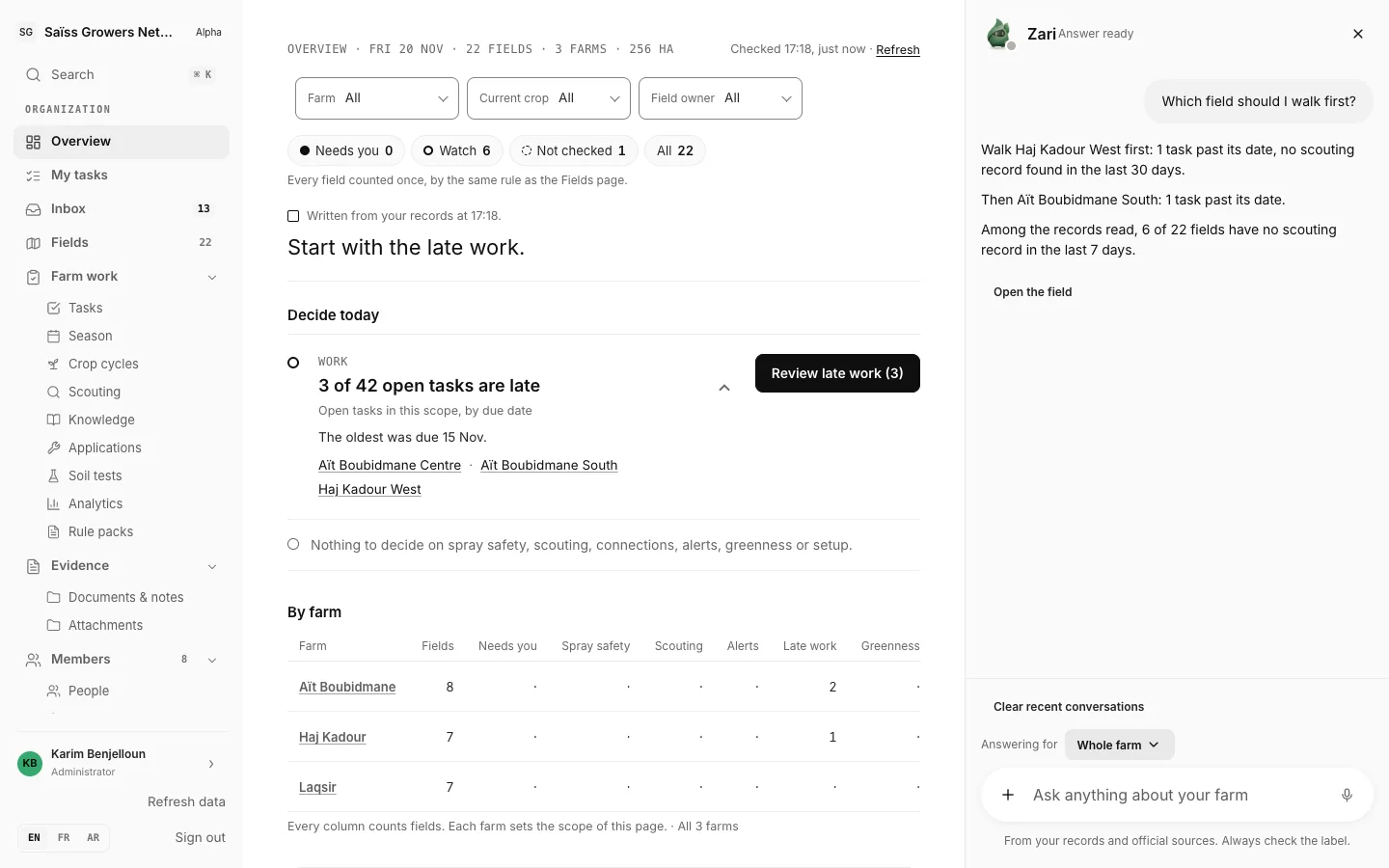
Sign in on any computer. Every field is sorted by what it needs, work goes to the people in the field, and the season’s report is written from the record.
- 7-day free trial on one field
- Any browser, nothing to install
- Same account as the phone app
A season at the desk
From the morning check to the season’s report.
Five screens you will use every week, recorded in the web console.
- 01 · Fields
Every field, sorted by what it needs.
Each field carries one status: spray safety, needs you, watch, not checked or fine. Filter by farm, crop or person, and see when each field was last visited and who it is assigned to.
- 02 · Season
The whole season, field by field.
Every crop from sowing to harvest, with the work planned for it. Switch to the calendar to see one month at a time.
- 03 · Tasks
Assign a task. The reply comes back to its thread.
The person who works the field answers from their phone, and your Inbox gathers every notice about your tasks.
- 04 · Farm finances
What the season cost, and what it earned.
Sales, inputs, labor and transport for each field, loans kept apart, and what is left after costs.
- 05 · Report
The report is already written.
Export the season as a PDF for each field or farm, or as CSV files, straight from the record.
For the person in charge
- Know which fields need you
One status per field and the date of its last visit, across every farm.
- Decide with the evidence in front of you
Late work, pests at threshold, spray-safety windows and falling greenness rise to the top, each with its fields and evidence.
- Ask the record
Zari answers from your own fields’ records and shows the records it used.
Your team, your rules
- Each person sees what their role allows
Admins decide who joins and give each person a role: admin, manager, member or field worker. Field workers see only the tasks assigned to them.
- A farmer’s finances stay theirs
The organization sees a farmer’s finances only while the farmer shares them.
- The field team uses the phone app
Same account, same record, even with no signal. See the mobile app
Filled by the sources you already use
- Sensors
- Documents
- Satellite
- Weather
- Soil
Seed, Cultivate and Harvest include unlimited team members, sharing one allowance of fields, hectares, uploads and AI. See pricing
Questions
About the web console.
Do I need to install anything?
No. Open app-api.zarsage.ai/org in any modern browser and sign in.
Is it the same account as the phone app?
Yes. One account, one record: what is recorded on the phone appears at the desk once it uploads.
How do I bring in my team?
Invite them by email and give each person a role. Farmers and field workers can also join from the phone app with a short code or an invite link.
Can I take my data out?
Yes. Export the season as a PDF for each field or farm, or as CSV files.
What does it cost?
Start with a 7-day free trial on one field. Plans are sized by farm, up to 300 hectares; Pricing has the details.
Get started
See every farm you support, from one screen.
Start on the web with a 7-day free trial on one field. ZarSage Mobile uses the same account on iPhone and iPad, and Android is in testing. Or add your farm record to ChatGPT or Claude.